Carpet Shader
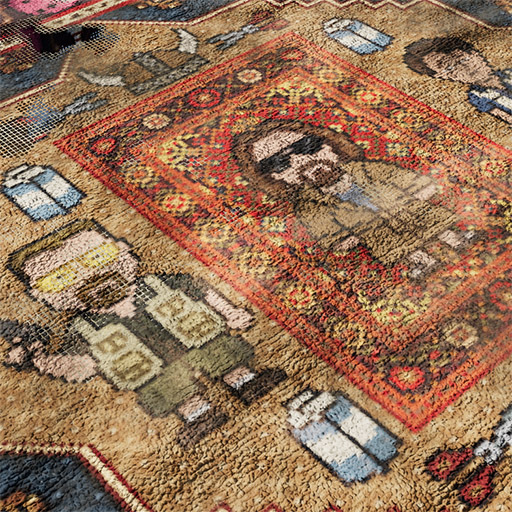
Rendering carpets at a realistic scale often presents a specific technical challenge: to get enough detail for a large object, you usually have to choose between massive, memory-heavy textures or settling for tiling patterns that look repetitive and flat.
I built this shader to handle that detail procedurally. The main idea was to shift away from heavy textures and instead use low-resolution maps to define the intent, letting the shader handle the final look.
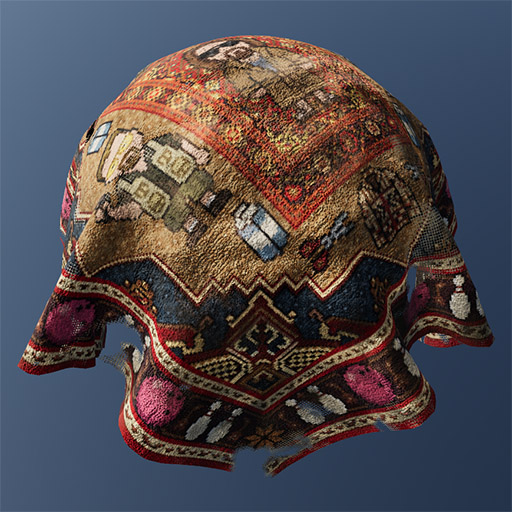
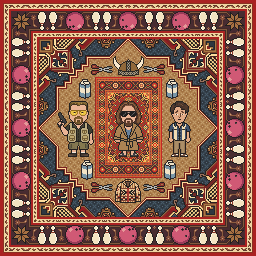
The logic relies on what I call a Pattern Description map. It’s essentially a low-res texture where each pixel acts as a single “stitch” or weave element — almost like pixel art. For example, a 5-meter carpet only needs about a 512px texture to define the pattern. From there, the shader procedurally controls the softness and distortion of those elements. It automatically detects the dimensions of the Pattern Description map to calibrate internal calculations, ensuring the internal maps — like the pile normal maps and underlying carpet base — are scaled correctly. This allows features like Tearing and Wearout to physically match the actual scale of the piles in the final image.
Click on the link above to see a Three.js demo of the shader.
Controls
Use the mouse to rotate the camera.
Lighting
Hold Space and move the mouse horizontally to rotate the environment and the Sun.
Tweak
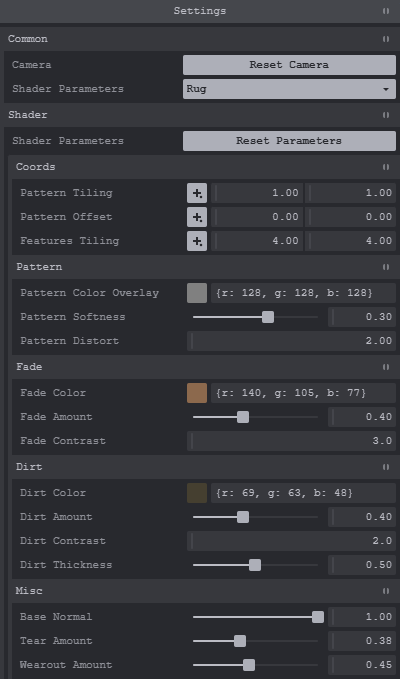
The Settings panel at the top right lets you swap the geometry and mess with the shader values. There’s a Reset Parameters button if you want to start over.
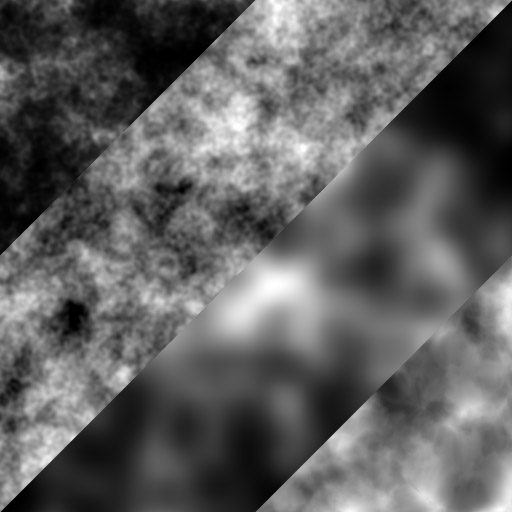
You don’t need to provide traditional Color, Metalness, or Roughness maps. You just tell the shader where things should be using low-resolution control masks, and it calculates the rest:
Wearout
Mimics heavy usage by wearing down the piles to show the base material underneath.
Dirt
Adds a layer of grime with adjustable color and roughness.
Fade
Simulates sun damage or age through color discoloration.
Tear
Allows for placing procedural holes or damage in the mesh.
You can also apply a Global Color Overlay to tweak the palette on the fly and a Global Normal Map with adjustable strength.